
Home Office Setup in Singapore: Designing a Productive Work-From-Home Space
TL;DR: Position the desk facing away from high-traffic areas, design ergonomics like desk height and monitor position in from the start, and plan cable management and storage before fabrication rather than after. Even without a spare room, a defined and zoned work area helps you switch off from work at the end of the day.
Working from home is here to stay for many Singaporeans, whether full-time, hybrid, or for the occasional remote day. A proper home office setup makes that work more comfortable and more productive than perching at the dining table. Even in a compact HDB flat or condo, you can create a dedicated work space that supports focus.
This guide walks through how to plan a home office setup that fits a Singapore home.
Find the Right Spot
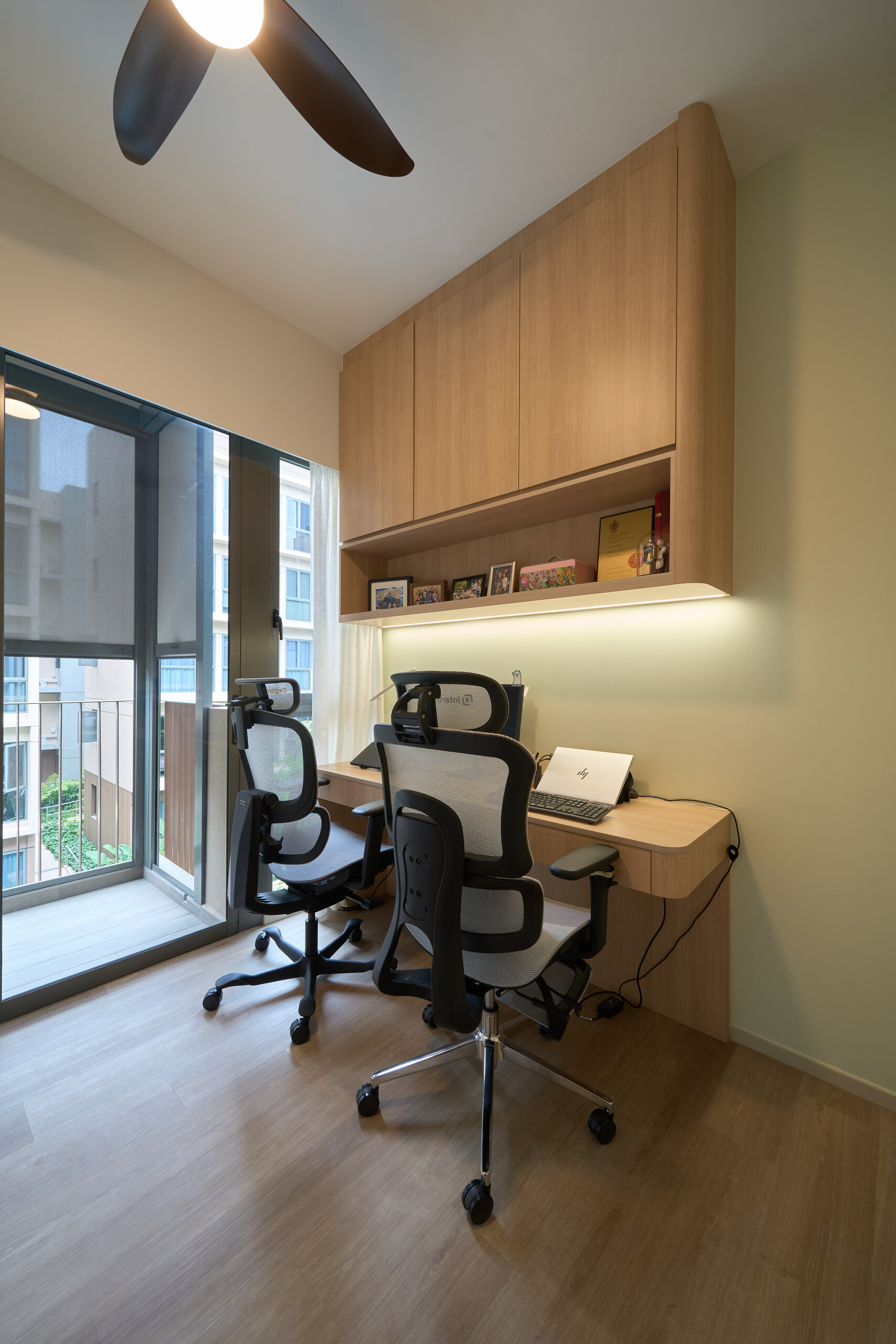
The first decision is where to put your home office. Not every home has a spare room, so the options usually come down to a dedicated study room, a converted alcove or corner, or a defined area within the bedroom or living room. Wherever it goes, position the desk so it faces away from high-traffic areas and, ideally, toward a wall or window rather than into the busiest part of the home. This single choice does a lot to reduce distraction throughout the work day.
Plan the Desk Around How You Work
A built-in desk should be designed around your actual workflow. Consider how many monitors you use, where your laptop sits, and how much surface space you need for paperwork or a second device. An L-shaped configuration suits a dual-monitor setup or anyone who needs separate zones for computer work and writing. A full-width desk running along one wall gives generous surface area in a study room. For a compact nook, a wall-mounted floating desk keeps the floor clear and the footprint minimal.
Get the Ergonomics Right
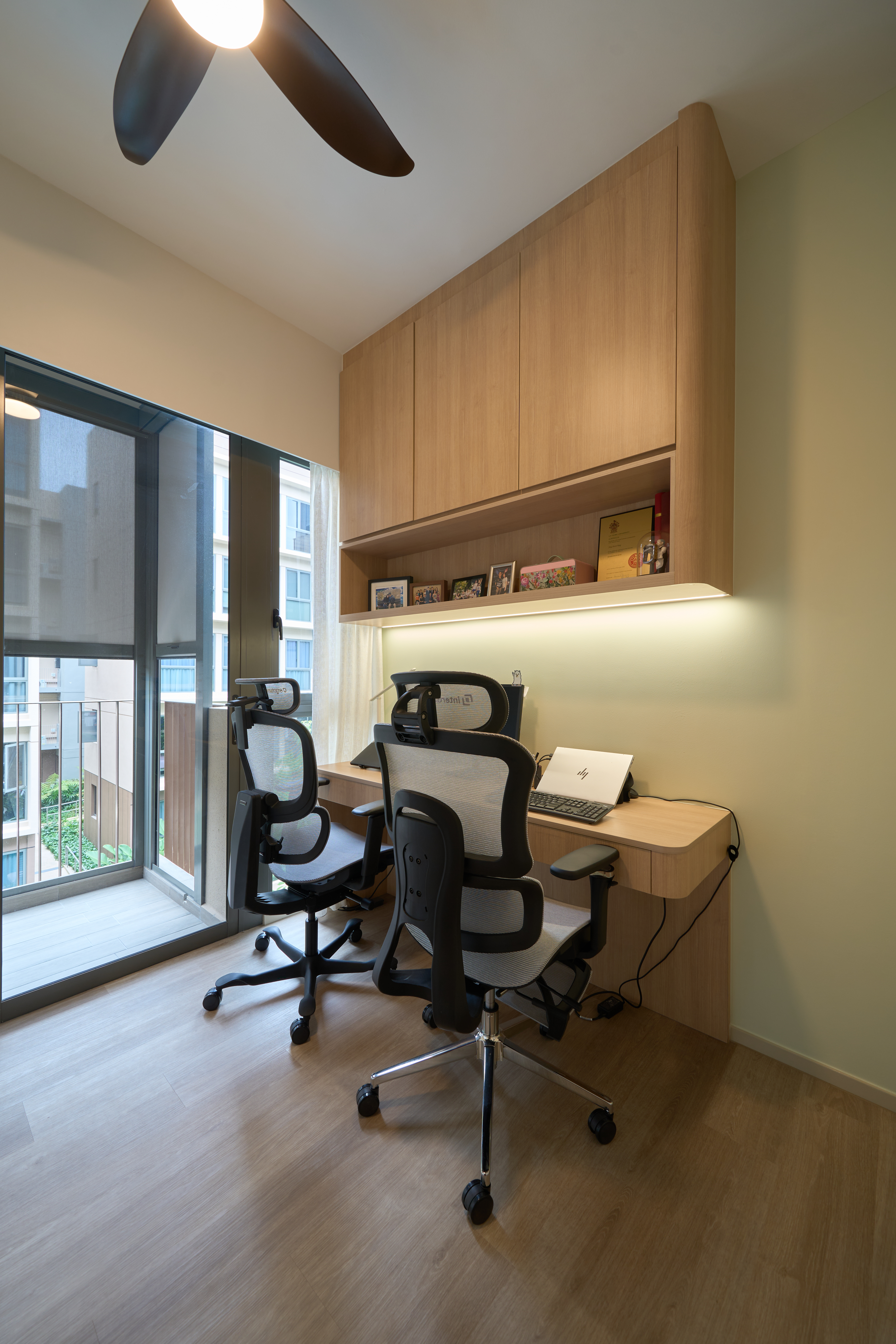
Ergonomics matter more than people realise, especially if you spend hours at the desk. A few principles to build in:
- Set the desk at a height where your forearms rest roughly parallel to the floor when typing
- Position the monitor so the top of the screen is around eye level and at a comfortable arm’s length
- Choose a supportive, adjustable chair rather than a dining chair
- Consider a sit-stand option if you want to alternate between sitting and standing
- Leave enough desk depth for the monitor to sit at a healthy viewing distance
Building these into the design from the start is far easier than trying to correct posture problems after the desk is installed.
Lighting for Work
Good lighting reduces eye strain and keeps you alert. Maximise natural light by positioning the desk near a window where possible, but avoid placing the monitor so that the window causes glare on the screen. Add task lighting such as a desk lamp or under-shelf LED strips for evening work and overcast days. Layering ambient and task light gives you a comfortable work environment at any time of day.
Storage and Cable Management
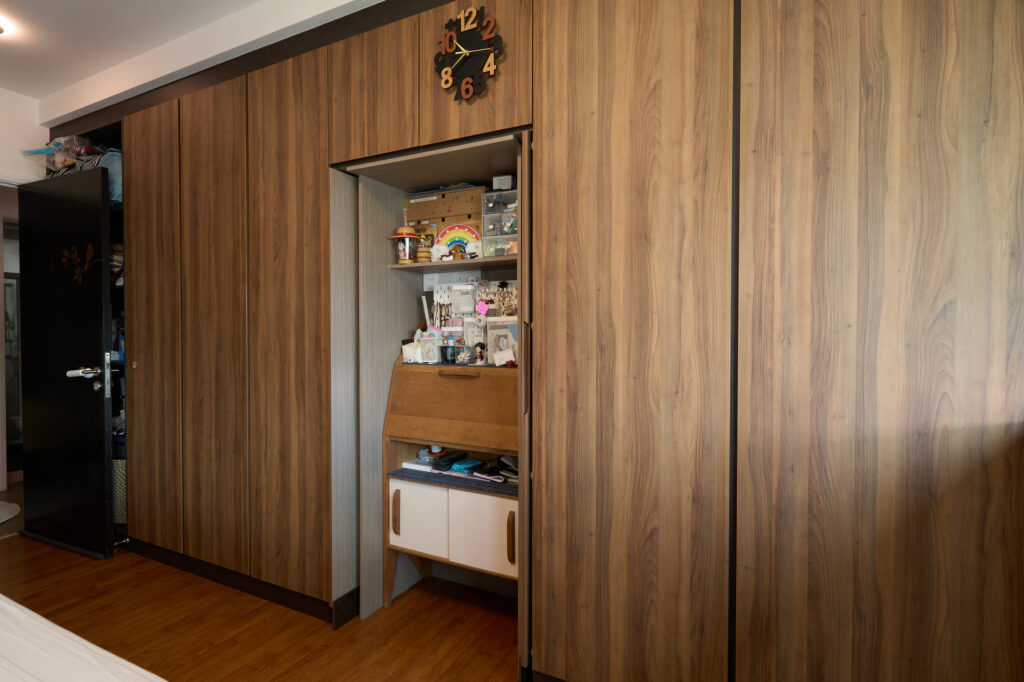
A productive home office is an organised one. Built-in overhead cabinets and shelves keep reference materials and supplies within reach, while closed storage hides paperwork and clutter. Plan cable management at the design stage: routing channels, grommets, and a tidy spot for the power strip keep cables off the desk surface and out of sight. A dedicated, ventilated space for a printer or other equipment keeps the desk clear for actual work.
Separating Work From Home
One of the biggest challenges of working from home is switching off at the end of the day. A defined work area helps. If your office shares a room with sleeping or living space, use zoning techniques such as a different wall treatment, a change in flooring, or a bookshelf divider to mark the work zone. Being able to physically step away from a defined office, even a small one, makes it easier to mentally close out the work day.
Frequently Asked Questions
What is the ideal desk height for a home office?
The desk should be set at a height where your forearms rest roughly parallel to the floor when typing. This reduces strain on the wrists and shoulders during long work sessions. Pairing this with a supportive, adjustable chair rather than a dining chair improves comfort further.
Should I choose an L-shaped or straight desk for a home office?
An L-shaped desk suits a dual-monitor setup or anyone who needs separate zones for computer work and writing or paperwork. A straight desk running along one wall gives generous surface area in a dedicated study room, while a wall-mounted floating desk suits a compact nook where floor space is limited.
How do I plan cable management for a built-in desk?
Plan it at the design stage rather than after the desk is built. This includes routing channels and grommets for cables, a ventilated compartment for equipment like set-top boxes or a printer, and a tidy spot for the power strip, so nothing runs loose across the desk surface.
How do I create a home office without a spare room?
Convert an alcove, a bedroom corner, or a defined area within the living room. Position the desk away from high-traffic areas, and use zoning techniques such as a different wall treatment or flooring change to visually separate the work area from the rest of the room.
How can I mentally switch off from work when my home office is in my bedroom or living room?
A clearly zoned work area helps, even in a shared room. Using a different wall treatment, a change in flooring, or a bookshelf as a low divider creates a physical and visual boundary. Being able to step away from a defined office area, even a small one, makes it easier to end the work day mentally.
Build a Home Office That Works for You
A home office built to fit your space and your workflow beats a makeshift setup every time. At More Than Wood, our custom study table and home office carpentry is designed around your room, your equipment, and your working habits, with storage and cable management planned in from the start. We produce 3D drawings so you can refine the layout before fabrication.
If you are setting up a home office, reach out for a consultation and we will help you build a space that supports your work.
0 comments